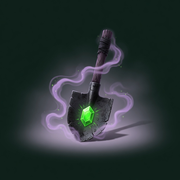
Dig Haunted Items Controls
Equip, swing, spray, and interact without fighting the Roblox HUD.
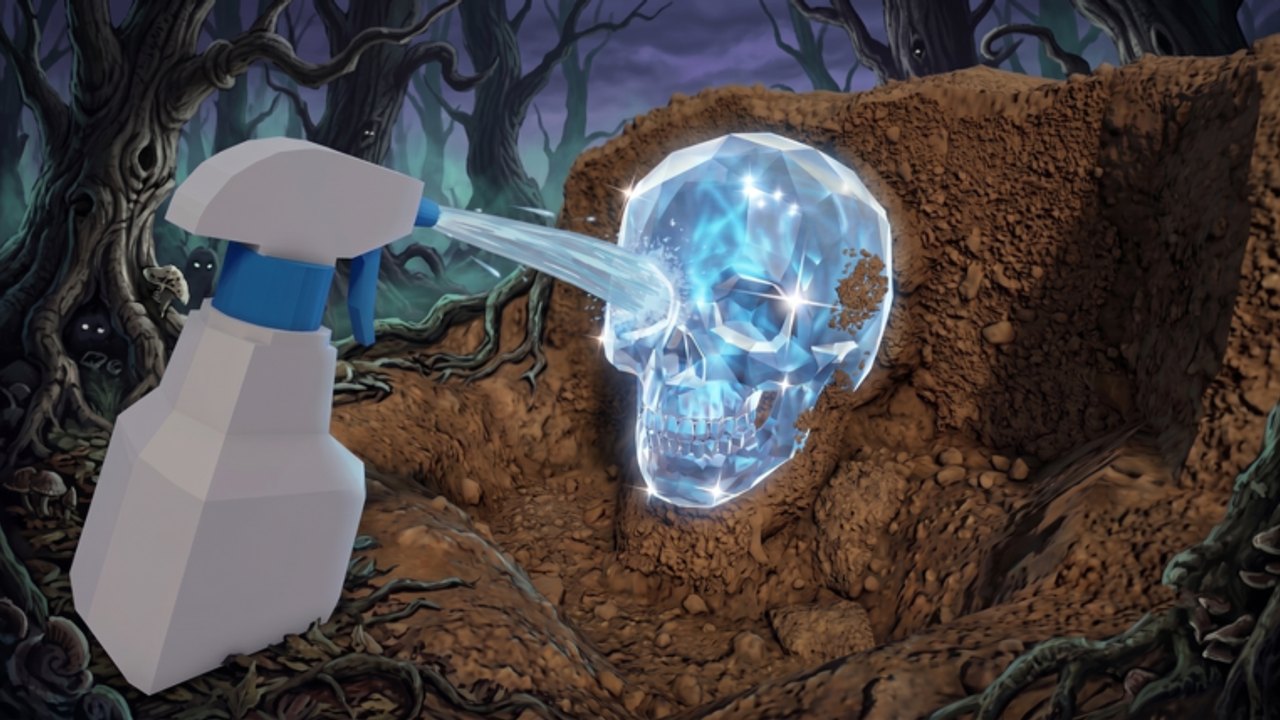
Dig Haunted Items uses standard Roblox inputs plus two tools you will swap constantly: the shovel and the sprayer. If a prompt does not show, you are usually on the wrong tool, too far from the node, or standing in another player’s hitbox on a six-person server. This page is the button layer. The verbs themselves live in how to dig and how to clean.
PC
- Move — WASD. Shift to sprint if the experience enables it.
- Camera — right mouse drag. Zoom with the wheel so dirt piles are easier to click.
- Equip shovel / sprayer — number keys or the hotbar click. Always look at the hotbar before you blame the node.
- Dig / spray — left click. Hold spray; tap dig.
- Interact (stands, Haunting Table, Shop, daily chest) —
Eor the on-screen prompt. - Jump — space. Rarely needed except to unstick from plot props.
If click-to-dig feels dead, click the world, not the HUD. Shop and codes use the mouse exclusively. Chat (/) will eat keystrokes if you leave it focused — a classic reason “E does nothing.”
Mobile
- Move — left thumb stick.
- Camera — right-side drag.
- Tools — tap the hotbar icon. The shovel and bottle look similar at a glance; zoom the bar if you keep spraying with a blade.
- Dig / spray — tap the action button or the relic. Hold for spray.
- Interact — tap the prompt when you are close. If the prompt hides under ads or the jump button, rotate the camera down.
Mobile players should clean on the plot, not in the forest. Holding spray while steering is how you walk off a mound and cancel the clean. After Getting Started, set graphics low enough that sparkles still show through fog.
Console
- Move — left stick.
- Camera — right stick.
- Equip — D-pad or weapon-swap, depending on the Roblox gamepad map.
- Dig / spray — RT / R2. Hold for spray.
- Interact — X / Square, or whatever Roblox currently binds to ProximityPrompt.
Paste for codes may require the on-screen keyboard. Open Shop first, highlight the field, then paste. Full click path: how to redeem.
Prompts that lie
- No dig prompt — wrong tool, bag full, or someone else owns the node. Walk two steps.
- No spray prompt — relic already clean, or you are aiming at a friend’s exhibit. Online co-op does not let you wash their golem.
- No table prompt — relic is dirty or you are not close enough. Spray first, then use the Haunting Table.
- No Shop — tutorial incomplete.
Rejoin if prompts vanish after a teleport. The September 3, 2026 client bump made stale servers a real issue.
Quality-of-life habits
- Put shovel in slot 1 and sprayer in slot 2 so swap is muscle memory.
- Lock camera a little high in the forest so sparkles sit above grass.
- On PC, unbind accidental emote keys if you keep dancing on dirt piles.
- Do not run a movement script that fights the default controls. You will clip into the table and skip the collect step the badge wants.
Once the tools swap without thought, go back to playing. Controls are not a skill tree. They are the reason your Forbidden stayed on the ground.
Accessibility and cluttered HUDs
Roblox will draw other players’ name tags over your prompt. On a full six-player server that can hide E entirely. Turn the camera down, walk one step off their avatar, and try again. If you use a high FOV, dirt piles at your feet become hard to click; zoom in for the swing, zoom out for routing.
On mobile, the jump button loves to sit on top of Interact. Rotate until the prompt climbs. If you wear a custom touch layout, keep the action button on the right thumb and the hotbar above it so shovel/sprayer swaps do not require a second hand. Console players who remap Roblox globally should keep Interact off the same face button as Jump or you will hop instead of collecting a table result — which is exactly how the Haunting Table badge fails.
None of this is a hidden skill. It is why a “broken” prompt is usually a camera problem. Fix the camera, then spend the session on how to dig instead of the options menu.
Frequently Asked Questions
Quick answers to the most common questions.
Why will E not open the table?
The relic may still be dirty, or chat has focus. Spray first and click the world. See the Haunting Table guide.
Can I play on mobile?
Yes. Dig Haunted Items is a Roblox experience on PC, mobile, and console. Clean on the plot, not while steering.
Where is the codes box?
Inside Shop after the tutorial. Follow how to redeem.
Do friends use the same buttons?
Yes. Online co-op does not remap controls. Inventories stay separate. See players.